sells rooms by itself
mobile first
what guests search for
always in view
Why it matters for your hotel
Guests compare the hotel website with Booking.com and choose the more convenient one
Before booking, guests visit the hotel website to check photos, rates and whether booking direct pays off more than going through a portal. If the site loads slowly, works poorly on a phone or hides prices behind a form, the guest goes back to Booking.com and the hotel pays commission. A good website reverses that decision.
- 1
Mobile first
Example: over 70 percent of hotel website visits come from a phone. We design the mobile view first: a booking button always within reach, galleries you can swipe with a thumb, and forms that never ask for the same thing twice.
2 nights · 2 guests Book70%
of hotel website visits come from phones
- 2
The offer shown the way guests search
Example: instead of a single "Rooms" page we build separate pages for family rooms, spa stays, conferences and weddings. Each answers a specific guest question and ranks in Google for the phrase they actually type.
Rooms-
Family rooms
„family rooms zakopane”Top 3
-
Spa stays
„spa weekend zakopane”Top 3
-
Conferences
„conference room zakopane”Top 3
-
Weddings
„mountain wedding venue”Top 3
-
- 3
Commission-free booking in plain view
Example: the direct rate with a benefit (breakfast, late check-out, parking) displayed next to the portal rate. Guests see that booking at the source pays off and complete it in the hotel booking engine.
Booking portal €120Direct booking €111- breakfast included
- late checkout
- free parking
Book direct Booking confirmed, €0 commission
Example
45-room mountain hotel, new website launched before the winter season
Before
- Website from 2016, over 6 seconds to load on a phone
- A single "Rooms" page with no rates, booking via an email form
- No English version, photos taken with the reception phone
After
- New website in 3 languages, loads under 1.5 seconds, Core Web Vitals in the green
- Offer pages (ski, spa, family, corporate) with rates and a booking button
- Direct booking share grew from 15 to 32 percent in the first season
Book direct and pay 8% less than on portals, with breakfast included
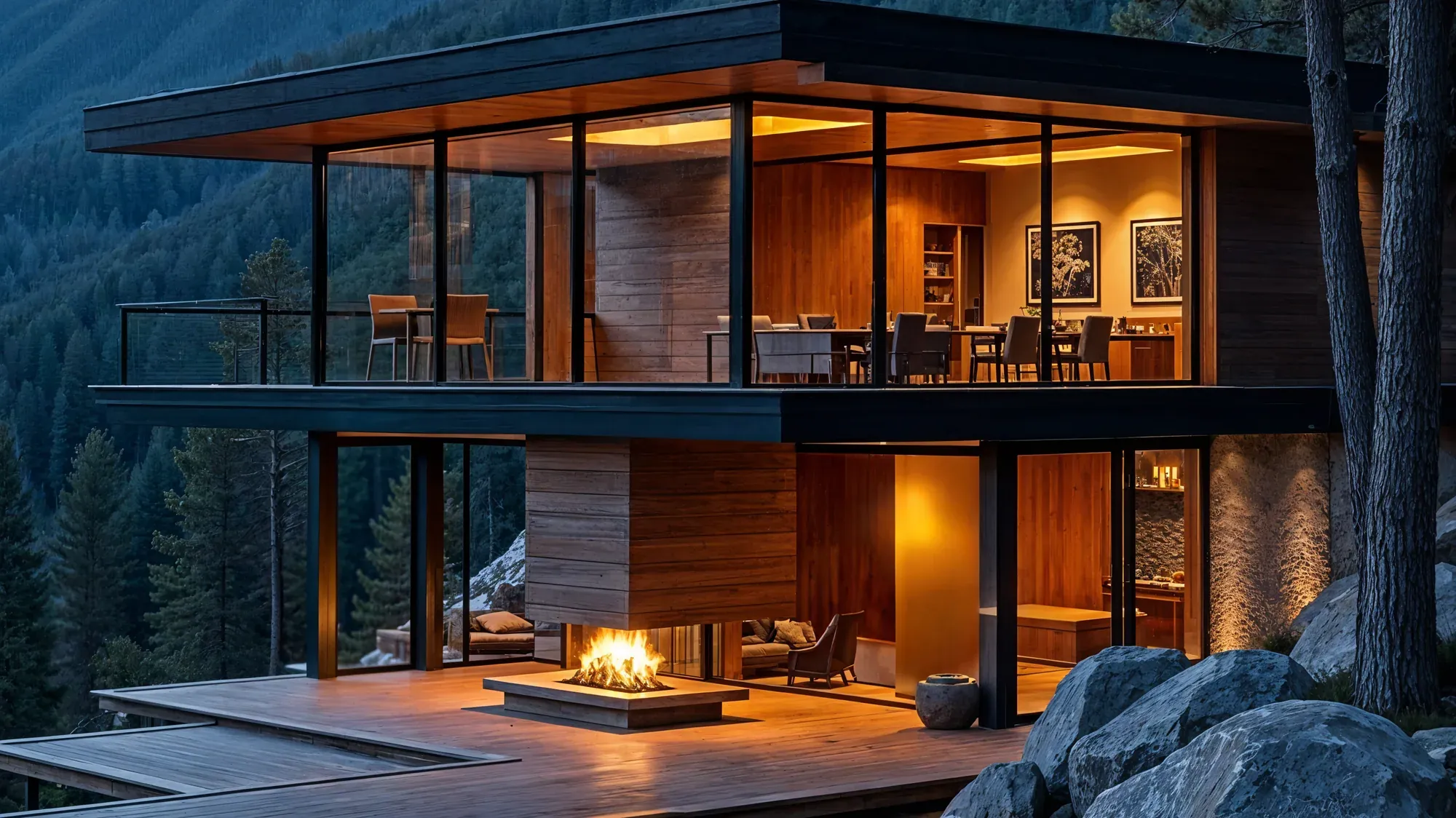
Aurora Hotel & Spa · Zakopane
Mornings with a Tatra view
An intimate hotel in the heart of the mountains: 45 rooms, a spa with a pool and a restaurant with local cuisine.
4.8· 1,204 Google reviews
€2202 nights for the stay
- Breakfast included
- Late checkout
- Free parking
- Lowest price online
45 · Zakopane
Rooms and suites
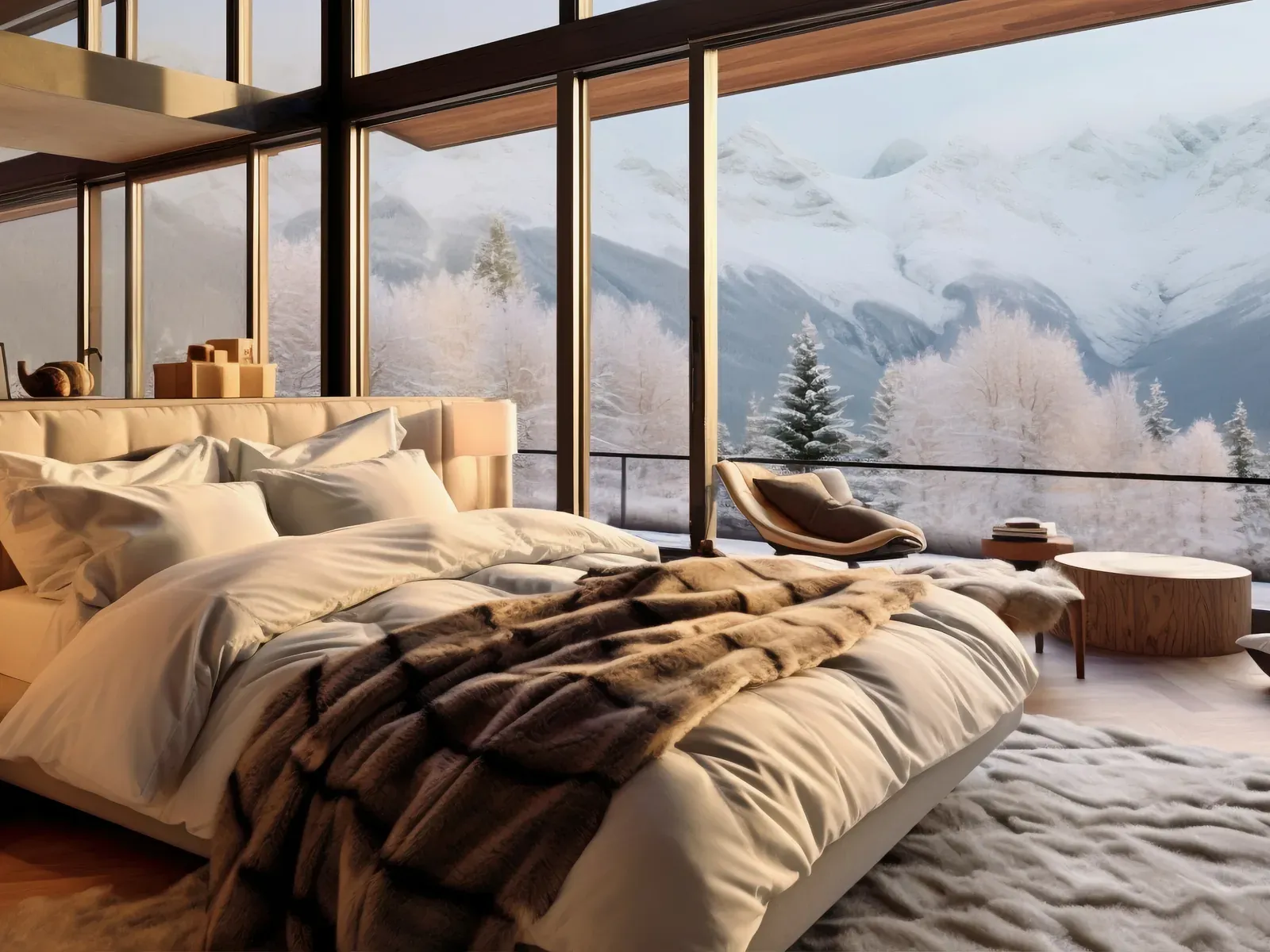
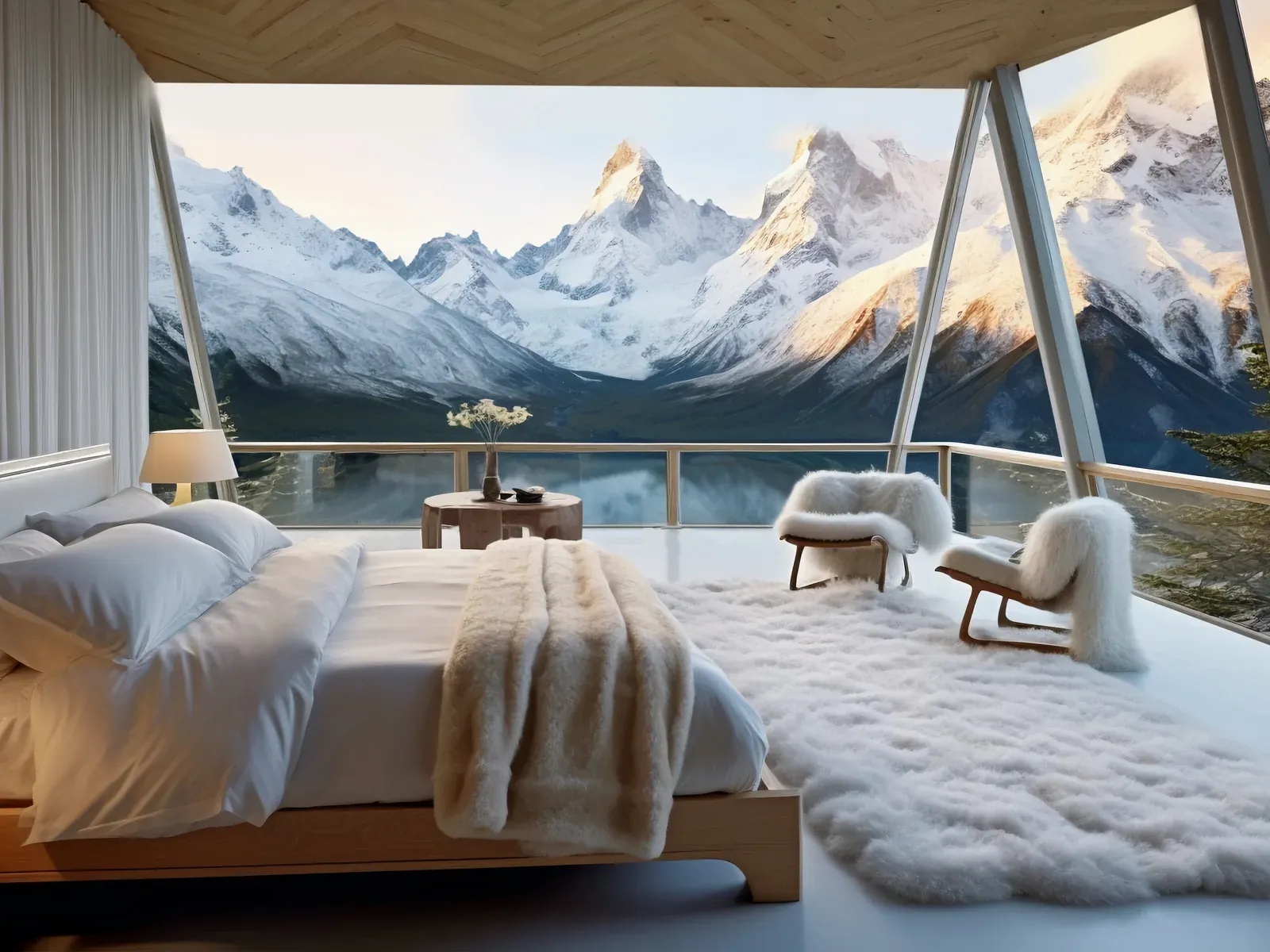
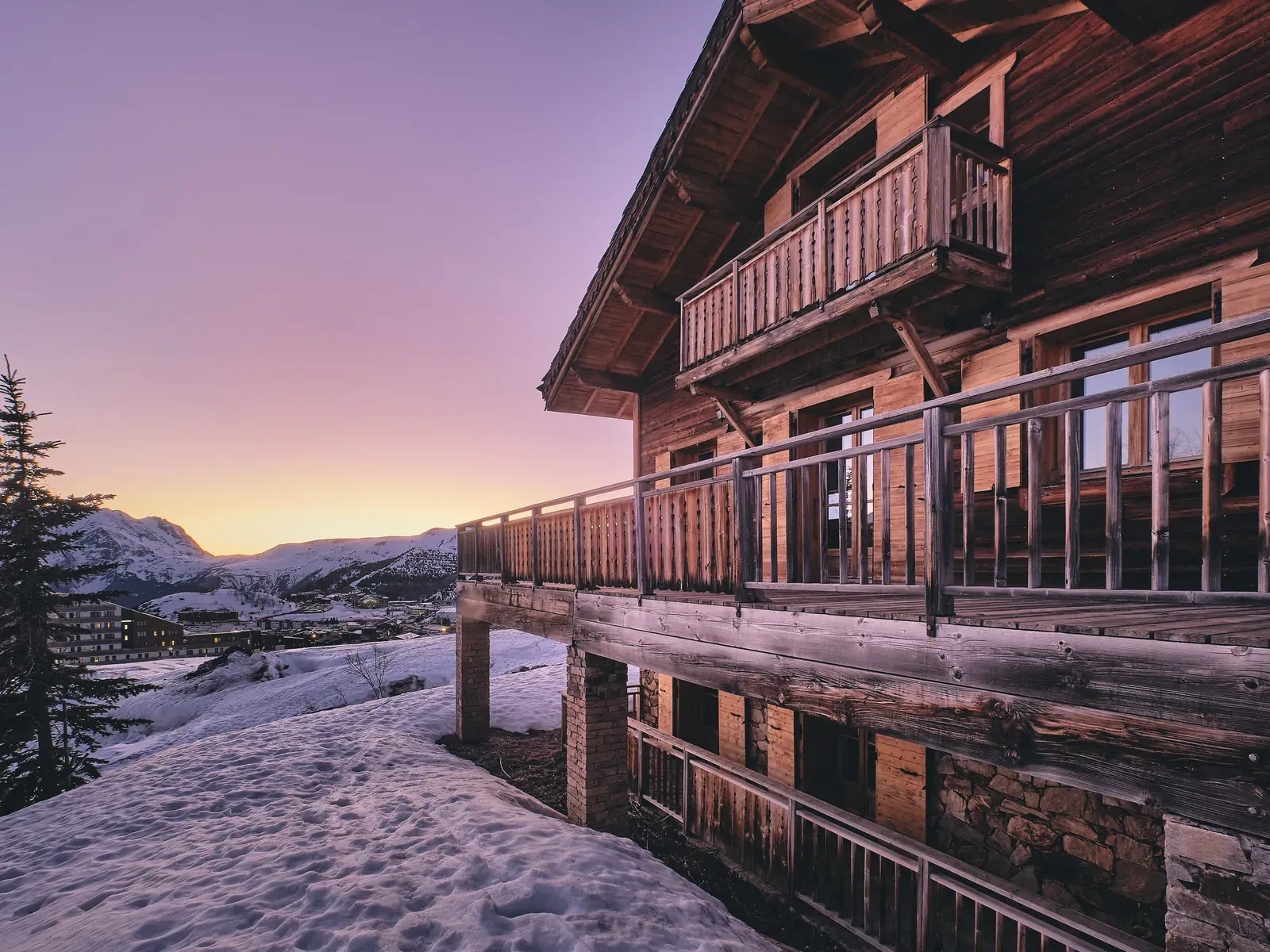
Every room faces the mountains or the forest. Wood, stone and quiet.
32 m² · 2 guests
Deluxe room with a view
- Tatra view
- Balcony
- Bathtub
In the room
- Wi‑Fi
- Air conditioning
- Bathtub
- Coffee machine
€110 / night
2 nights · €220
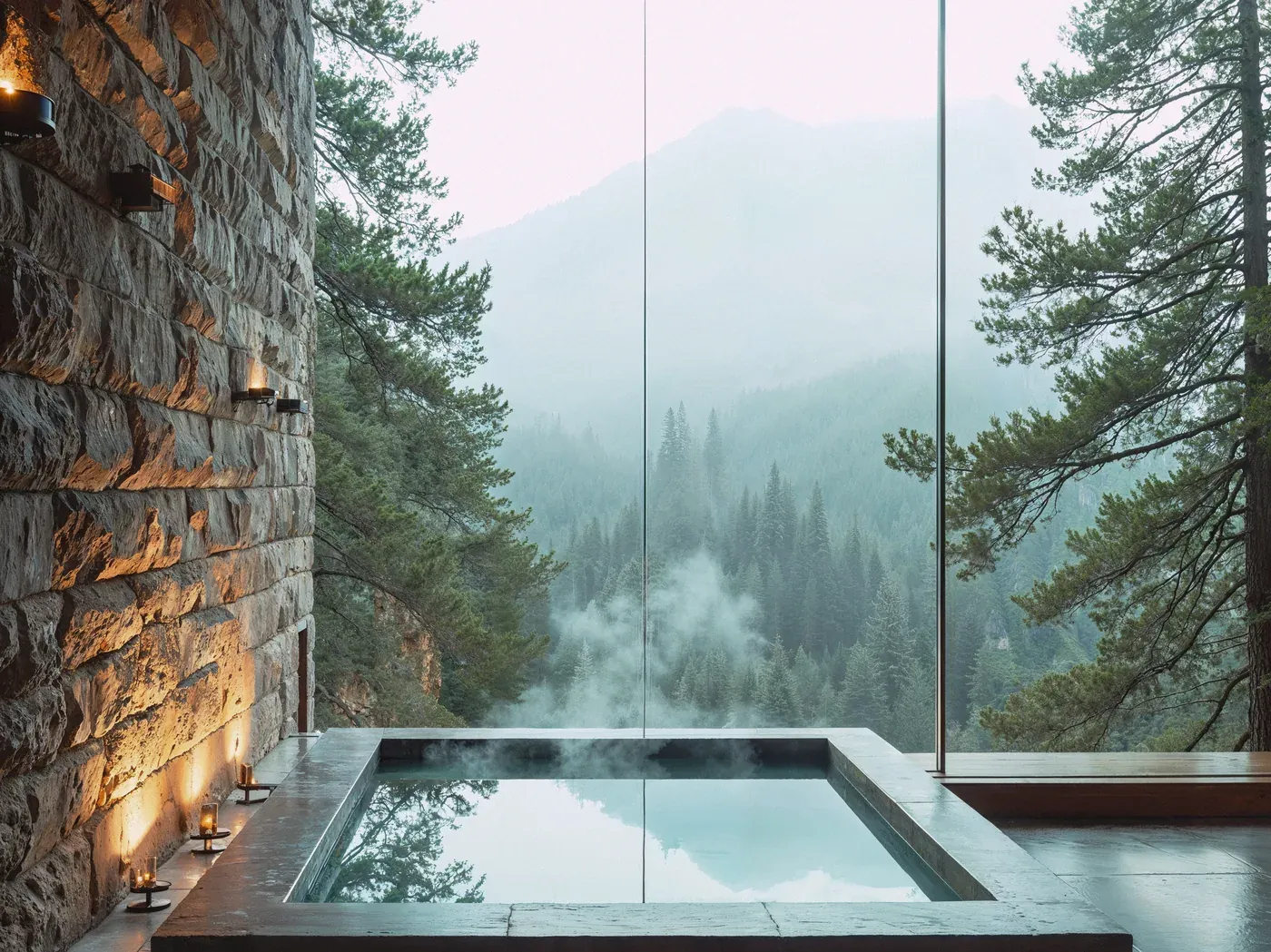
Spa area
A pool facing the forest and a Finnish sauna
A 20 m pool, two saunas, an outdoor hot tub and massage rooms. Included for hotel guests.
- 20 m pool and outdoor hot tub
- Finnish sauna and steam bath
- Massages and rituals with local herbs
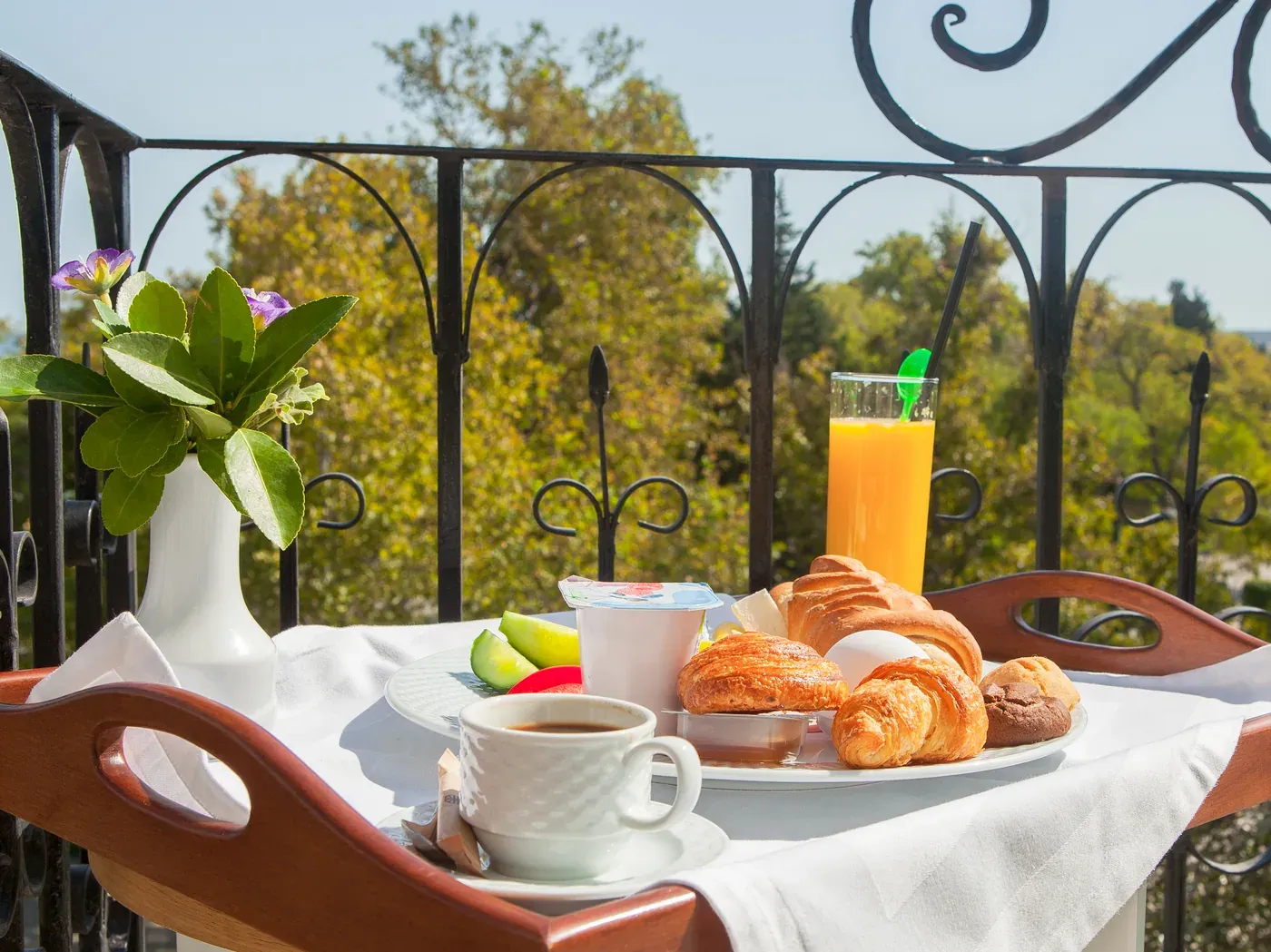
Halny restaurant
Breakfast included, dinner with a view
Produce from local farms, smoked cheese from our own hut and a Podhale wine list. Breakfast until 11:00.
Breakfast 7:00 to 11:00 · Dinner 17:00 to 22:00
Special offers
Spa weekend for two
2 nights, dinner and a massage
from €300See offer
Winter break in the mountains
5 nights, ski pass, kids club
from €900See offer
Company retreat
Room for 40, stay and dinner
offer within 24 hSee offer
What guests say
„The view from the room takes your breath away. Best breakfast we have had in the mountains.”
„The spa after a full day of skiing is bliss. Back in February.”
„Staff remembered the cot and the stroller before we asked.”
Confirmation sent by e‑mail
Under the hood
Technical SEO and AI visibility from day one
You cannot see it on the screen, but it decides whether Google and AI models see the website at all.
-
Language versions PL, EN, DE
hreflangEvery page has counterparts in the other languages and hreflang tags, so a guest from Germany sees the German version in Google, not the Polish one.
-
Structured data: Hotel and Offer
schema.orgJSON-LD markup with the address, rating, amenities and room prices. Google shows stars and prices in results, and AI models read facts about the hotel without guessing.
-
Sitemap
sitemap.xmlA list of all pages with update dates, submitted to Search Console. A new offer reaches the index in days, not weeks.
-
Rules for crawlers
robots.txtWe let in Google, Bing and AI assistant crawlers (GPTBot, ClaudeBot, PerplexityBot) and block only the admin panel and the booking cart.
-
A file for AI models
llms.txtA short description of the hotel, its offer and links to the key pages in the format AI assistants read first.
-
Loads in under 1.5 s
Core Web VitalsWebP photos, lazy loading, no heavy scripts. Speed is a ranking factor and means fewer abandoned bookings on phones.
-
Titles, descriptions, canonical, Open Graph
canonical + metaEvery page has its own title for the guest search, a description that invites the click and a correct preview when shared on Messenger or WhatsApp.
-
Consistency with Google and portals
Business ProfileName, address, phone and hours identical on the website, in the Google Business Profile and on Booking.com. Mismatches lower Google trust and confuse AI models.
How it is built
Every element has a job
A hotel website is not a business card, it is a salesperson. Below are the elements from the preview and why we arranged them this way.
- 1
First impression
Hero with one photo and one sentence
Within 3 seconds a guest should know where they are and what they get. One strong photo of the property, not a stock slider, one sentence about the view and the Google rating right under it. The whole screen leads the eye to the booking widget.
- 2
Conversion
Booking widget in the hero
Dates, guests and the price for the whole stay calculated live. The guest does not look for a “Booking” tab: they check availability on the first screen and see what they will pay. Portals make it this easy, so the website cannot be harder.
- 3
Direct booking
“Cheaper than on portals” bar
A guest who came from Booking compares prices. The top bar and four perks under the widget (breakfast, late checkout, parking, lowest price) give a reason to finish the booking here instead of going back to the portal.
- 4
Product
Room card as a product card
Photo, size, guests, the key feature and a “from” price on the card, without clicking further. Rooms are products and guests buy with their eyes and the price. Three cards in a row, a separate page per room type for Google searches.
- 5
Product
Room panel with the price for your stay
A click expands the card in place: gallery, amenities, the price for the chosen dates and a “Book” button. The guest keeps the context and does not scroll back up. Everything needed for the decision is in one view.
- 6
Value of the stay
Spa and restaurant as separate sections
This is what guests pay extra for and what sets a hotel apart from a bed. Each section has its own photo, a specific fact (20 m pool, breakfast until 11:00) and leads to a page that ranks for “spa hotel Zakopane” or “restaurant Zakopane”.
- 7
Sales
Packages with a price and an occasion
Spa weekend, winter break, company retreat: guests look for an occasion, not a room. A package answers “what to come for”, has a “from” price and sells more than a bed: dinner, a massage, a ski pass.
- 8
Trust
Guest reviews with stars
Google quotes with a name and a specific detail (“breakfast”, “cot”). Reviews sit just before the footer because guests read them last, before they tap “Book”. The 4.8 rating in the hero and the reviews at the bottom close the decision.
- 9
Mobile first
Sticky booking bar on the phone
Over 70% of visits come from phones. The “from” price and the “Book” button are always under the thumb, no matter how far the guest scrolled. Switch the preview to the phone to see the bar.
- 10
Simplicity
Navigation: 5 items, 3 languages, one button
Rooms, Spa, Restaurant, Offers, Contact. Nothing more, because every extra item means fewer clicks on “Book”. A language switch for foreign guests, and the booking button in the bar is visible on every screen.
Figures are indicative and depend on the property, season and the current website. Scope and schedule are set after the analysis.
Scope
What exactly we do
- 1
Analysis and design
We review the current website, the competition and what guests search for in Google. On that basis we design the structure, copy and a look that matches the hotel standard.
- 2
Build and integrations
We code the site on fast technology and connect the booking engine, channel manager, maps, reviews and analytics. Photos and copy are prepared together with the hotel.
- 3
Launch and care
We migrate URLs from the old site without losing rankings, launch, and train the team to edit content. After launch we stay on: updates, fixes and further development.
Results
What the hotel gains
-
More direct bookings and lower commission costs
-
A website reception edits on its own, without a developer
-
A solid base for SEO, campaigns and visibility in AI assistants
Questions
Frequently asked questions
How long does it take to build a hotel website?
Usually 6 to 10 weeks from design approval, depending on the number of pages and language versions.
Will we lose Google rankings after the change?
Not if the migration is done right. We carry over URLs, content and structured data, and monitor rankings for the first weeks.
Which booking engines do you integrate with?
Most engines popular in Poland and Europe, including Profitroom, YieldPlanet, Bookero, IdoBooking and SiteMinder. If you use another one, we check the integration options.
Can we edit content ourselves?
Yes. The website has a panel where reception or marketing changes copy, rates, photos and special offers without a developer.
Will the website work with the hotelspot app?
Yes. A guest who books on the website uses the guest app, AI Concierge and service ordering after arrival, with consistent hotel data in both places.
Do you also provide photos and copy?
Copy is written as part of the project in the agreed languages. Photos can be arranged with a hotel photographer or we use existing ones if they are good quality.
How is it billed?
Design and build are quoted once after the analysis. Hosting, care and development are billed monthly and can be cancelled with one month notice.
Contact
I am interested in „Hotel websites”
Tell us a few words about the hotel and your goal. We will come back with a short diagnosis and a proposed scope.