
Panel
Overview of the Admin Panel
How to navigate the panel and where to find the most important hotel settings.
6 min read · 10 September 2026
Where to start
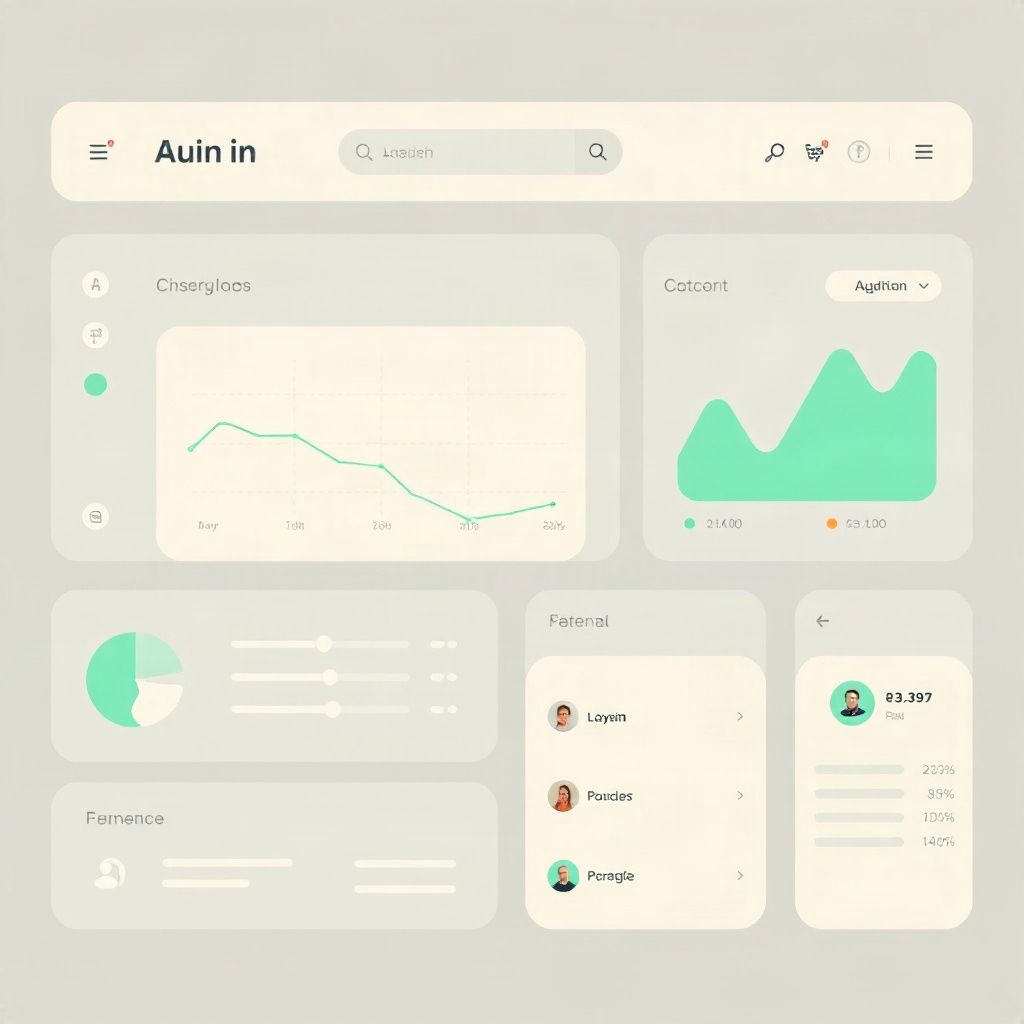
You open the panel at the hotel panel address, for example panel.hotelspot.pl. After logging in, you have one view for sales and configuration. You do not jump between separate systems for room service, SPA, and reception. First, set up the hotel, then the outlets, then QR codes and payments. You add AI Concierge when the knowledge base and pricing are already in place.
Hotel settings
Here, you enter what the guest and the team need to see as your property: the hotel name, number of rooms, Guest App languages, contact details, and basic stay information. This is also where QR codes for rooms and the lobby are generated. Changing the name or the number of rooms does not require implementation: you save it, and it works in the guest app.
If you have several properties in the Pro package, you can switch between hotels in one panel instead of logging in separately to each property.
Outlets and pricing
This is the heart of additional sales. You add room service, SPA, rentals, or transfers. Each outlet has hours, items, prices, and responsible persons. You can pause an outlet or a single item when the season ends or when an ingredient is missing. The guest sees the current offer immediately, also in the Guest App account.
Details on adding services and promotions are in a separate entry about managing outlets and pricing. Here, it is enough to know: the pricing lives in this section, not in a file with the manager and not on a piece of paper by the kitchen.
Live orders
New, in progress, delivered. An order with a room number goes to the kitchen, SPA, or reception. The team marks the status, and the guest sees the progress in their app. There are notifications for new orders and a history per room, so the reception does not have to search for notes in the morning.
The kitchen can work on a KDS screen, and the staff in hotelspot Staff. The panel remains a place where the manager sees all the traffic, not just one department.
Revenue and reports
The dashboard shows revenue today, the number of orders, and SPA bookings. You can filter reports by outlet, day, and month, compare what is selling, and export to Excel for accounting. Peak hours help set the kitchen schedule or promotions outside peak times.
Payments
Here, you connect Stripe and check if the guest can pay by card, BLIK, and Apple/Google Pay. Withdrawals go to the hotel account, and the commission is calculated per outlet. Step-by-step configuration is in the entry about online payments. In the panel, this section is there to ensure that sales from the pricing close with a transfer, not cash at reception.
AI Concierge
Agent settings: name, avatar, voice, and knowledge base. You upload regulations, menus, and FAQs. The agent uses the same pricing as the outlets, so you do not maintain a second offer ‘for the bot’. Token usage and top-ups are also in the panel, alongside the AI add-on.
Digital Pod and team
If you have screens in the lobby, restaurant, or SPA, you add devices in the panel and update content remotely, without a technician’s visit. Colours, logos, and offers remain consistent with the Guest App.
Access for people: you assign panel and hotelspot Staff accounts to hotel employees. The kitchen, SPA, and reception see what they need for execution, not the entire pricing and reports, unless you enable them.
What to open on the first day
- Settings: name, rooms, languages, QR codes
- Outlets: two that the hotel is already selling, plus pricing
- Payments: Stripe, test order from the guest account
- Orders: whether the kitchen or SPA receives the order
- AI Concierge: only when the menu and FAQs are uploaded
The rest of the sections can wait. There is one panel. The most important thing is for the team to know where to change the price, where to take a new order, and where to see if the day is balancing.